Android Studio - Arctic Fox Beta 3 (2020.3.1.18) is now available in the Beta channel.
If you have Android Studio set up to receive updates on the Beta channel, you can get the update by choosing Help > Check for Updates (Android Studio > Check for Updates on macOS). Otherwise, you can download it here.
The bug fixes included in this update can be found here. For details of bugs fixed in each preview release, see previous entries on this blog.
We greatly appreciate your bug reports, which help us to make Android Studio better. If you encounter a problem, let us know by reporting a bug. Note that you can also vote for an existing issue to indicate that you are also affected by it.
Android Studio Bumblebee Canary 1 is now available in the Canary and Dev channels.
General fixes and features
Android Studio - Arctic Fox | 2020.3.1 Beta 1 is now available in the Beta channel.
AGP now includes information about the repository that your app’s dependencies/SDKs came from inside the App Bundle/APK. This includes the URL of the repository and its type (Maven, Ivy). Repositories with “file://…” URLs are not included in the report.
This information enables Google Play to identify popular libraries so those can be analyzed. The result of that analysis is used to make recommendations on libraries/versions to use and to avoid based on known issues.
You can opt out from including this information by setting the property “android.bundletool.includeRepositoriesInDependencyReport=false” in gradle.properties when building your App Bundle/APK.
Kotlin script support is still in preview
In Android Gradle Plugin 7.0 betas, the DSL is now registered with the new interfaces e.g. (https://developer.android.com/reference/tools/gradle-api/7.0/com/android/build/api/dsl/CommonExtension). For groovy script users this has no effect as the implementation type is used irrespective, but for kotlin script users the implementation details will no longer be visible, and scripts that depended on them will no longer compile. Some commonly used items have been added back as deprecated, but not all.
The developer preview of the newest Wear OS (API level 30) system image has the following known issues:
Switching watch faces via the Wear OS phone app is not available
On-watch Tile management is currently unavailable. In order to preview a Tile you have created in the emulator, you can either set the Tile in the Wear OS phone app or use the wear-tiles-renderer library to preview Tiles in an activity within your app (learn more).
Screen recording through the power menu is not working
Some UI elements are not localized
Some UI elements might not render correctly on non-round emulator configurations.
Android Studio 4.2.1 is now available in the Stable channel.
This update includes fixes for the following public issues:
We are happy to announce the release of ConstraintLayout 2.1.0 beta 2, with several fixes.
dependencies {
implementation 'androidx.constraintlayout:constraintlayout:2.1.0-beta02'
}
More information about the new features in 2.1.0 can be found on the wiki, the source code is available on https://github.com/androidx/constraintlayout
If you already have an Android Studio build on the Canary or Dev channel, you can get the update by clicking Help > Check for Update (or Android Studio > Check for Updates on macOS). Otherwise, you can download here.
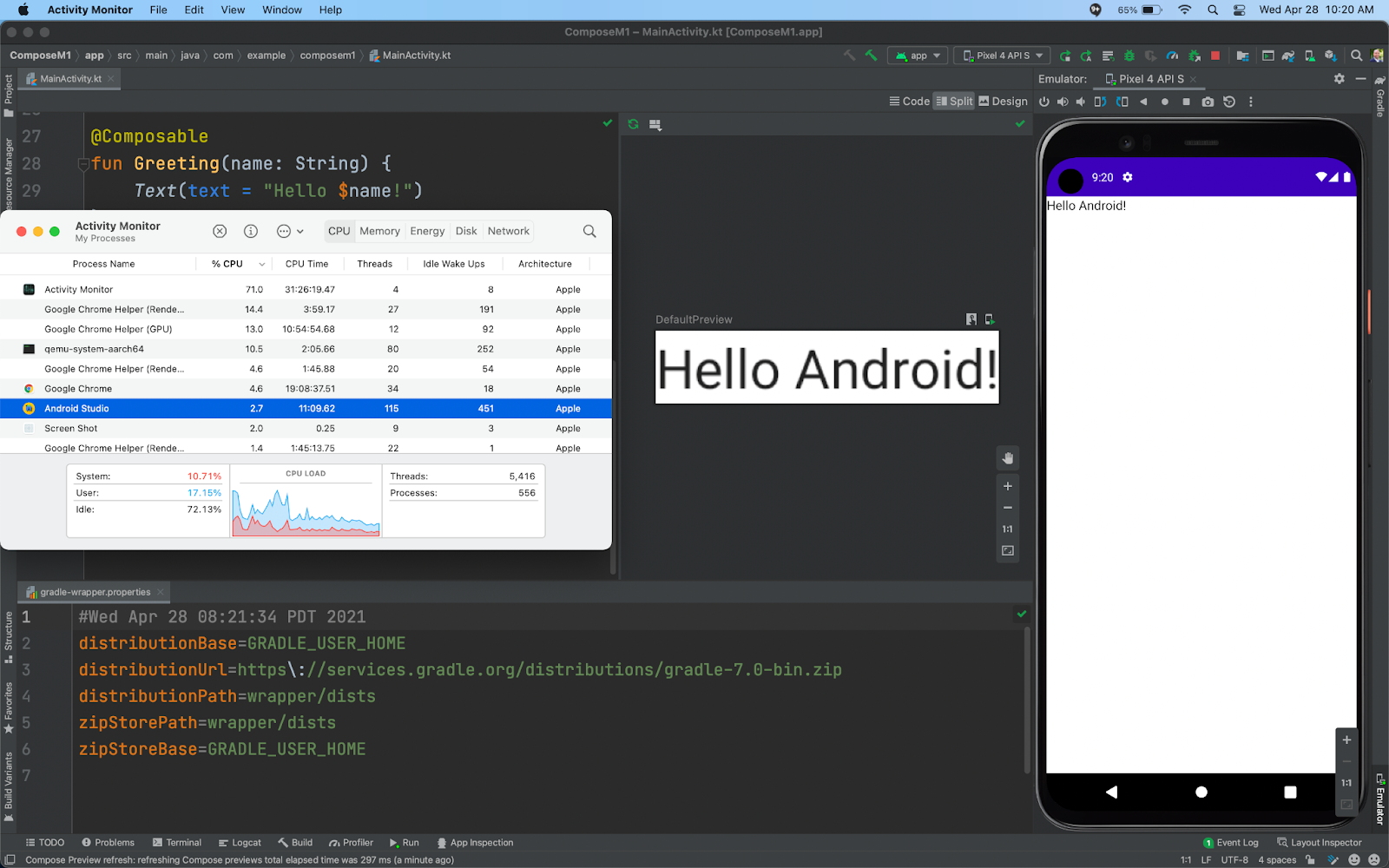
To use it, you need to download from: https://developer.android.com/studio/archive and look for Mac (Apple Silicon), and you need to use Gradle 6.9-rc1+ . Below are known issues:
Known Issues:
The incremental update patcher does not work in Canary 15. Meaning to move to the next preview version, you will need to download a fresh new copy. The update should be fixed in future releases.
The app inspectors (e.g. database inspects, layout inspects, etc), do not launch. We plan to fix this in the next release. There is a workaround posted here if you need these tools.
Clangd still needs a conversion to a universal binary, and consequently building a C++ development does not work. We have a plan to fix these in subsequent releases.
SDK Manager filters out some packages with native libraries (eg. NDK Side-by-Side, CMake)
There are several SDK packages (e.g. build-tools & platform-tools) that are currently only available as x86_64 architecture binaries
The NDK is currently only available with x86_64 architecture binaires.
In the Android Emulator the location Extended Controls does not use the Google Maps interface.
When closing the Android Emulator, it sometimes re-prompts you to save a snapshot even though you have the setting saved.
The Android Emulator only works with API 30 and API S Developer Preview emulator system images.
The Android Virtual Device (AVD) Manager recommends the correct arm64 compatible emulator system images, but has an extraneous red error message suggesting to use x86 system images.
If you have other bugs or issues not listed above, please file them on the Android Studio bug tracker.
.




 Posts
Posts